

V-Manage · Docs
Document Lifecycle
Management
Watch a document travel its whole life: captured, read by AI, classified, approved, governed and found in seconds. One audited lifecycle; AI is optional, via AICP or a separate AICP Enterprise subscription.
A scripted demonstration of the document lifecycle: OCR resolves the text, AICP classifies and extracts the fields, then it is approved, archived and ready to search.
See the real product
The Docs
repository.
The environment your teams use to capture, govern and retrieve documents. Captured 2026-08. Click to inspect it full-size.
 Cabinets & folders
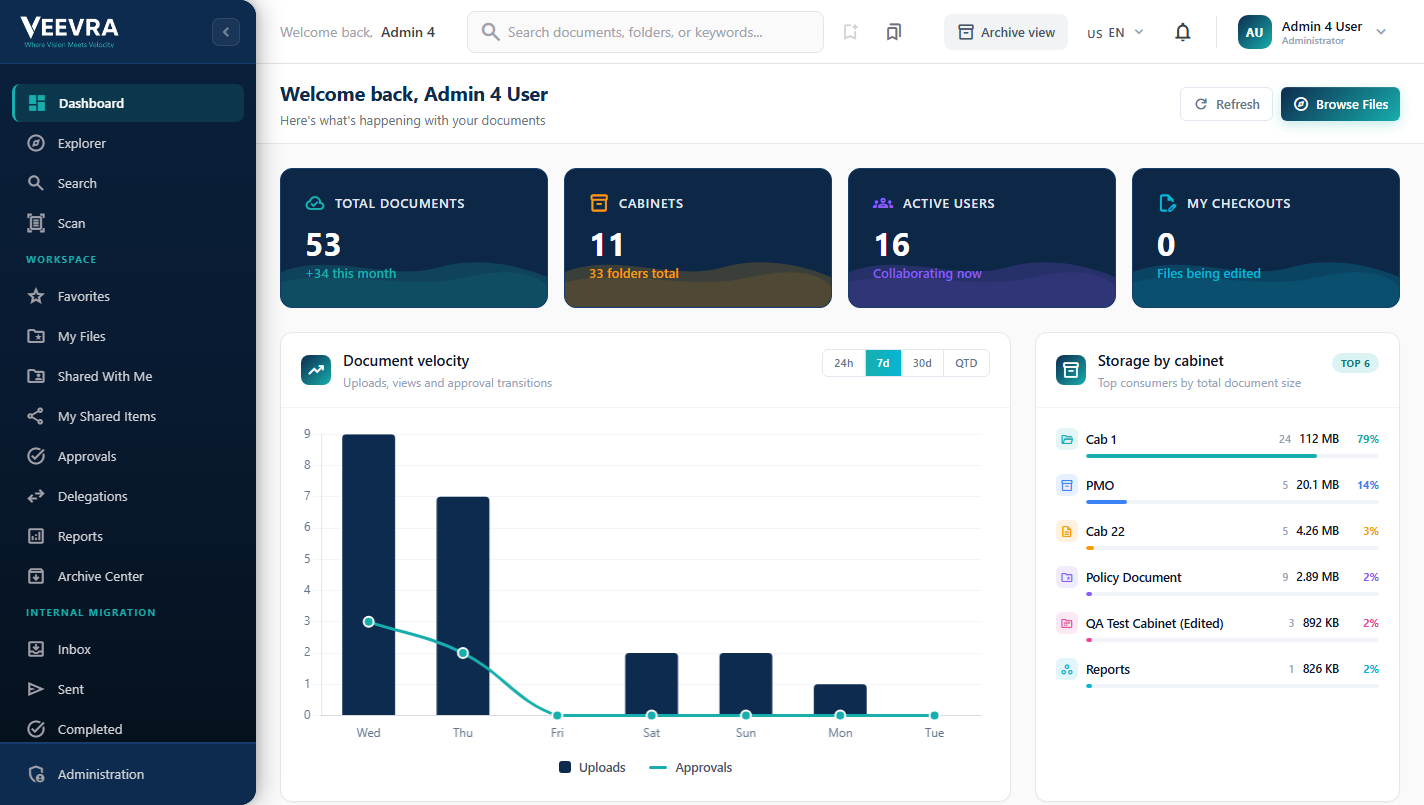
Lifecycle & velocity
Storage by cabinet
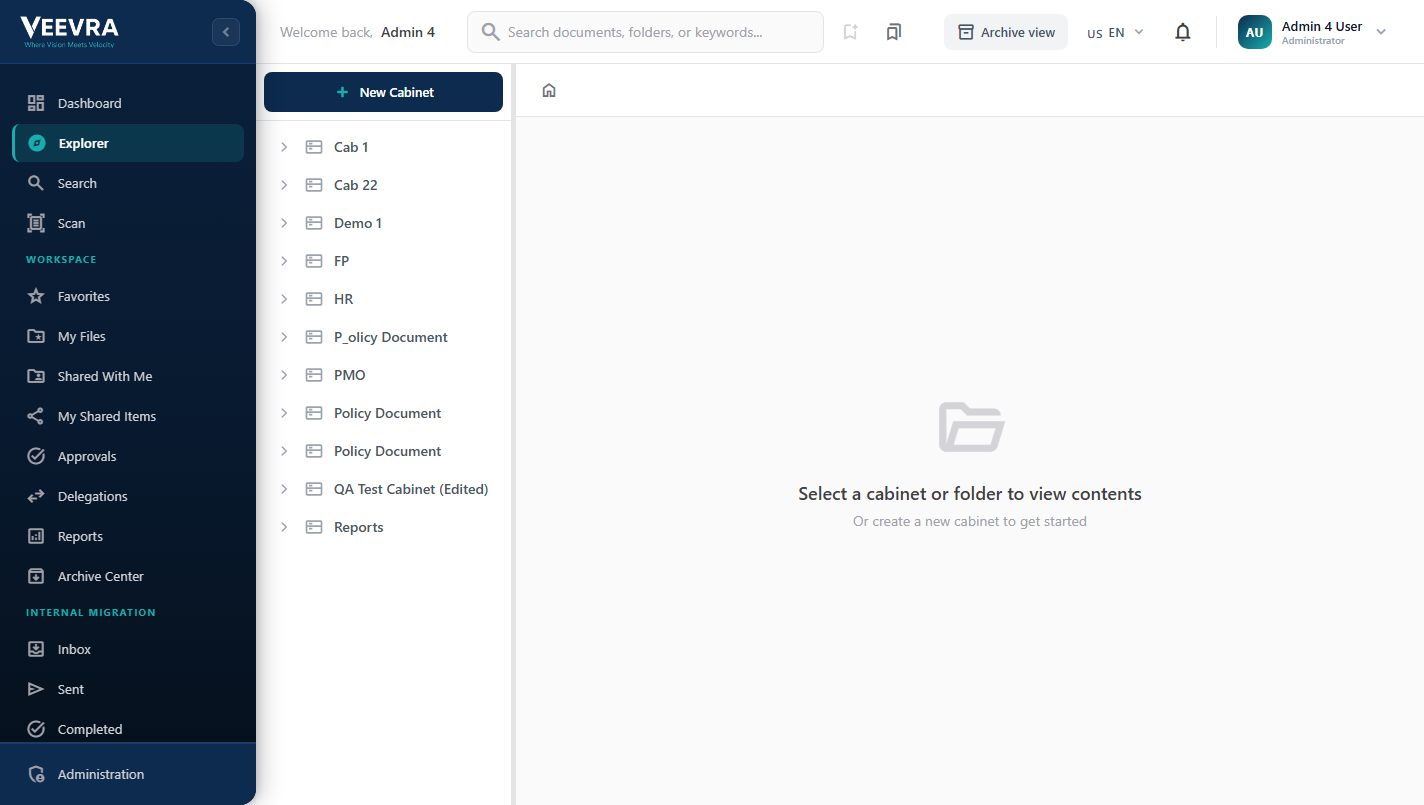
Cabinets & folders
Lifecycle & velocity
Storage by cabinet
Inside Docs
A real repository,
organized your way.
Cabinets, folders and documents
Navigate a familiar cabinet and folder tree, create new cabinets and organize thousands of documents. Storage and usage are tracked per cabinet.
- Cabinets
- Folder tree
- Drag & drop
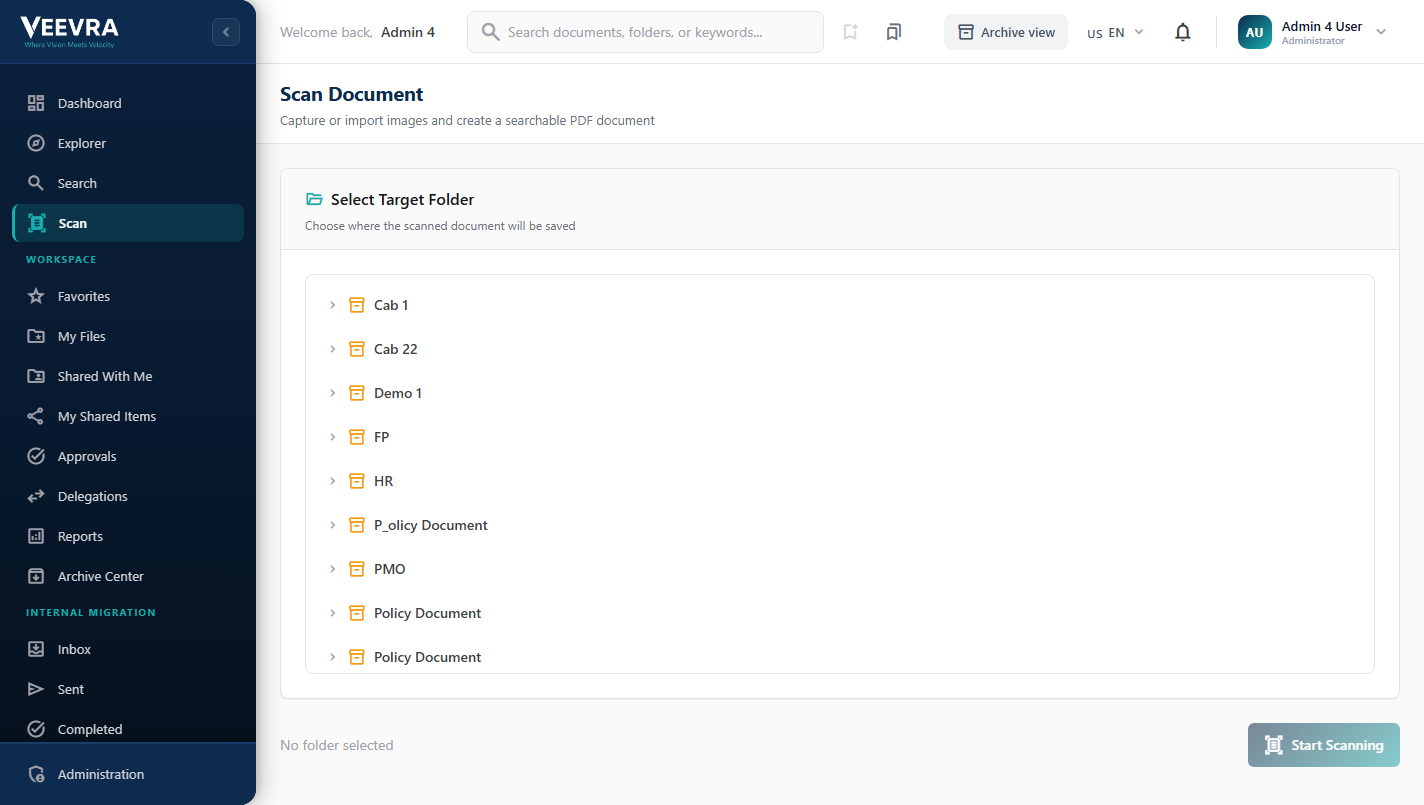
Paper in, searchable PDF out
Capture or import images and pick the target cabinet — shown here: the target-folder selection step. Docs then produces a searchable PDF, and AICP can read the content so scans are findable and classified.
- Device scanning
- OCR
- Searchable PDF
- Auto-classify
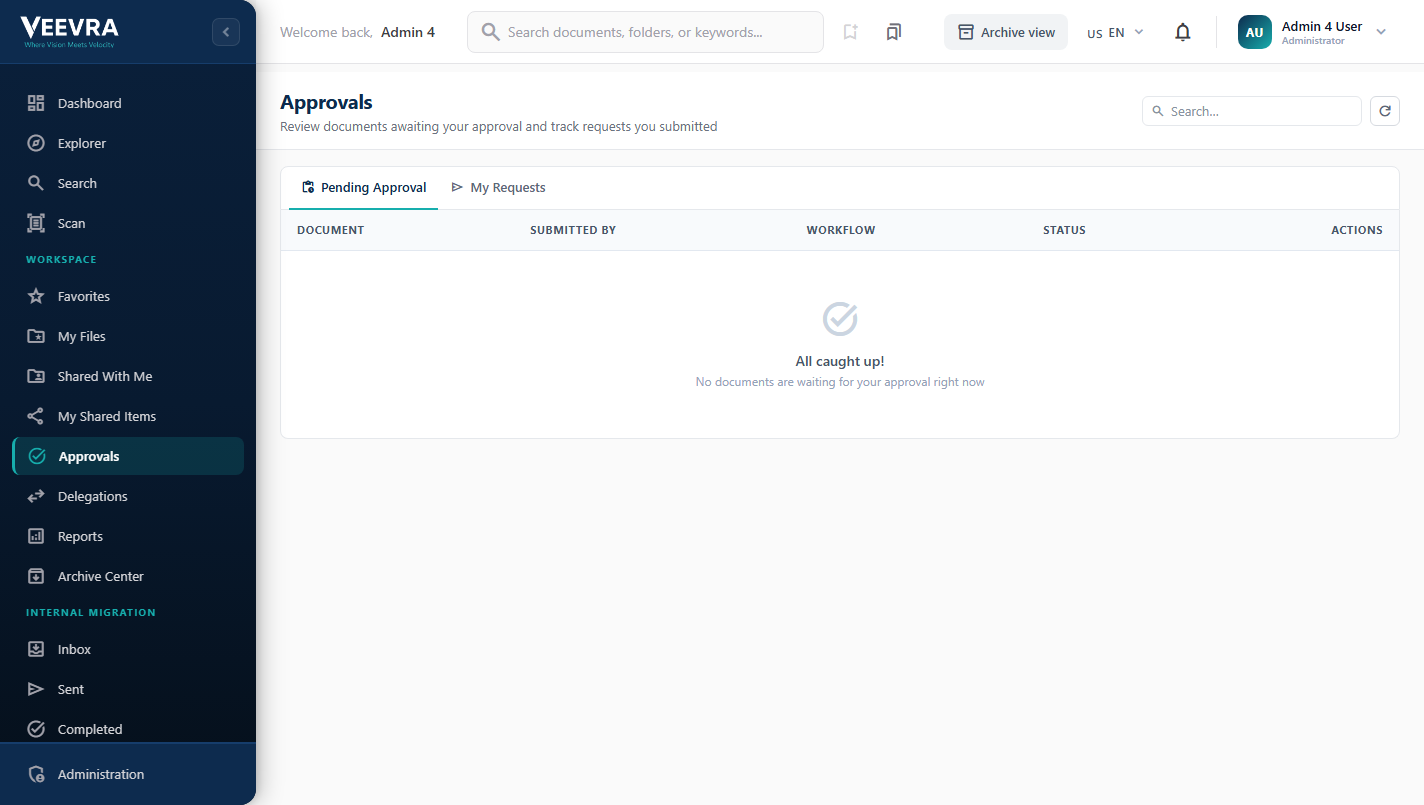
Approvals, on the record
A dedicated approvals queue with pending-approval and my-requests tabs, workflow and status columns. Route documents for approval and delegate, with checkouts, version history and an archive center keeping the lifecycle on record.
- Approvals
- Delegation
- Archive Center
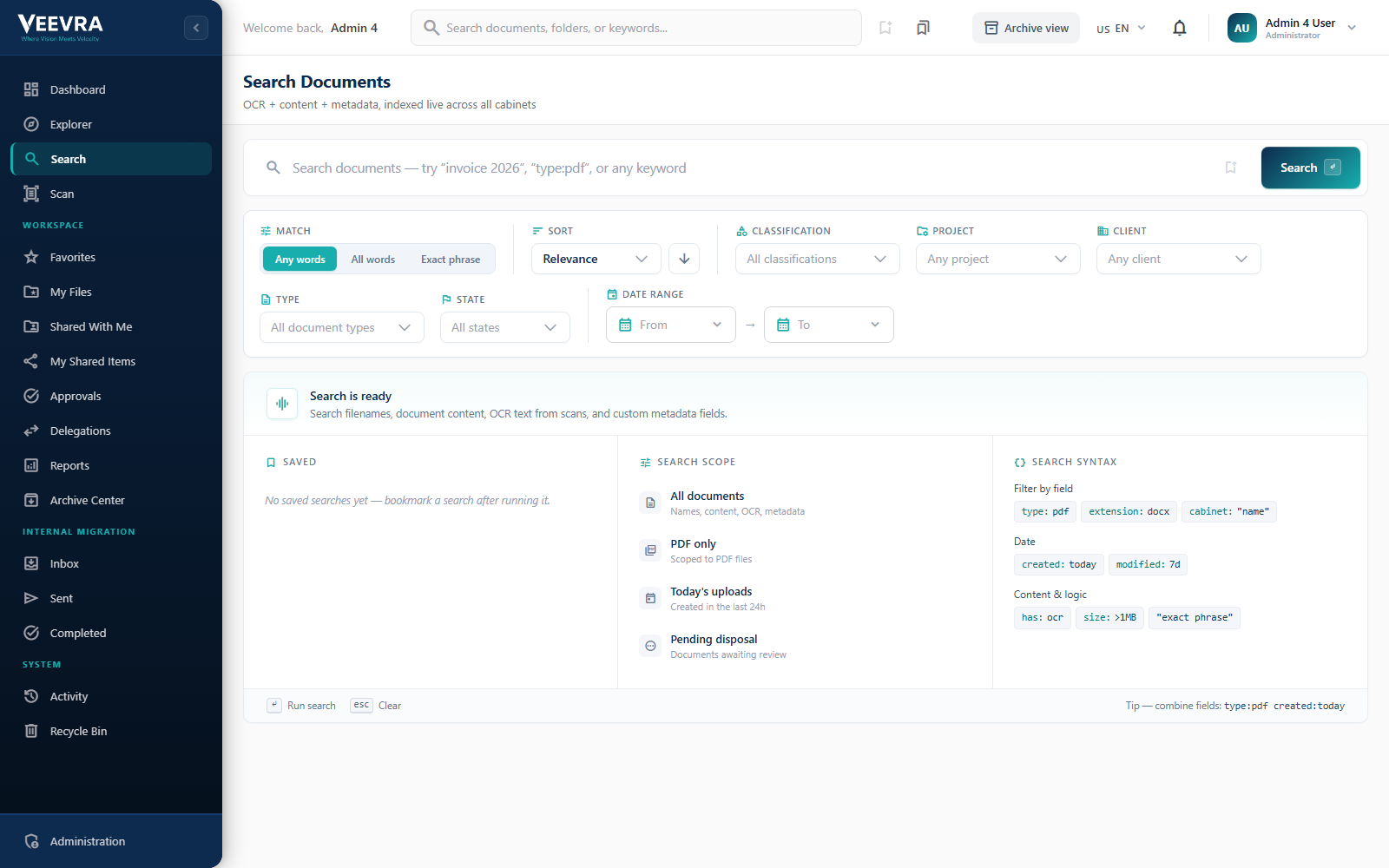
Find documents in seconds
One search across filenames, document content, OCR text from scans and custom metadata, indexed live across your cabinets. Filter by type, classification, project, client, state and date.
- Full-text + OCR
- Metadata search
- Saved searches
- Field syntax
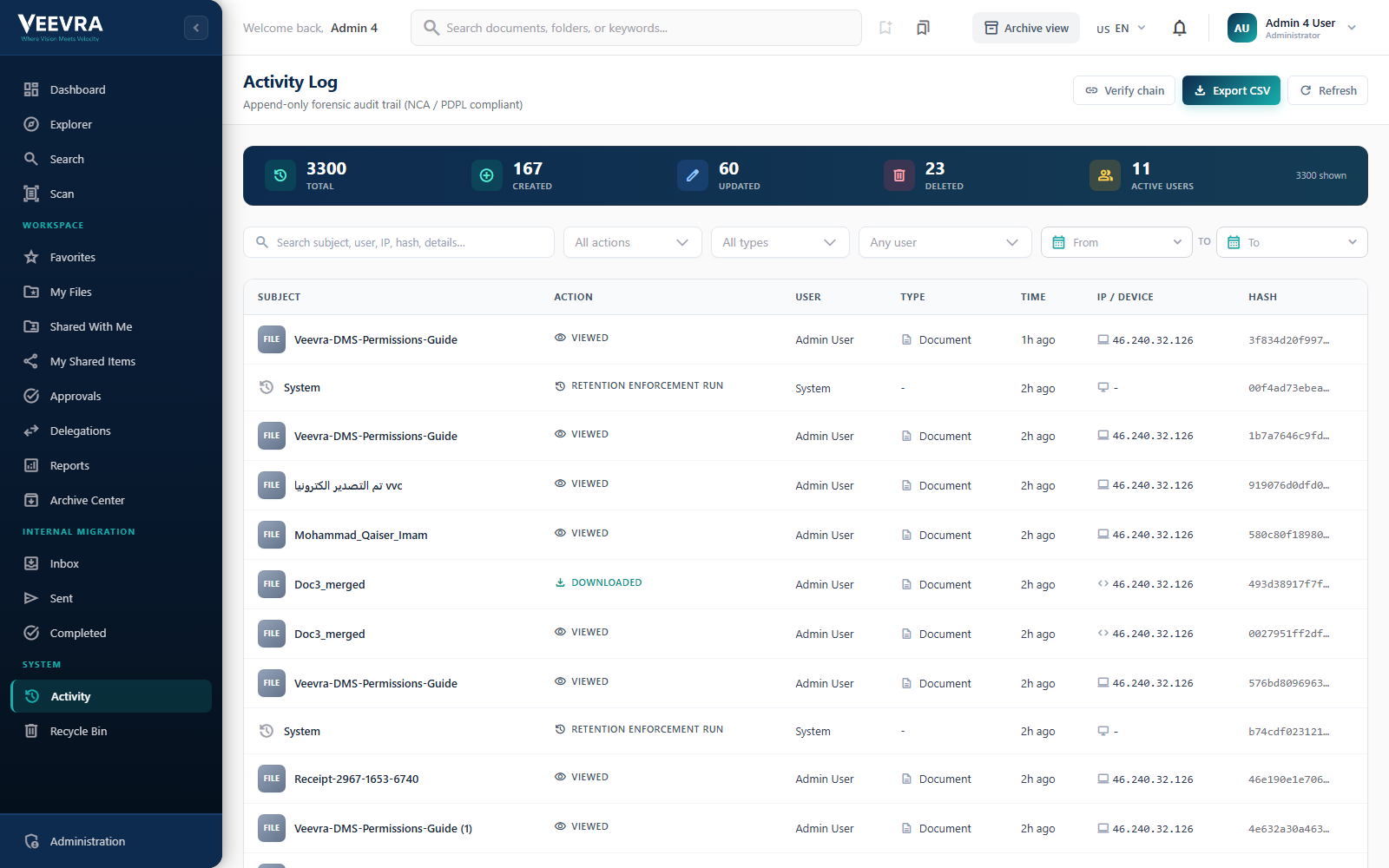
An append-only activity record
Every action on every document is captured in an append-only activity log: who did what, when, from where. Audit log and compliance-ready, with export.
- Append-only log
- Per-document history
- User & IP
- Export
How Docs works
From paper to
searchable, governed record.
Capture a document, let AICP read and classify it, route it for approval, then archive, govern and retrieve it in seconds.
- Scan / UploadCapture from a device or import files.
- AIOCRTurn images into a searchable PDF.
- AIClassifyAICP tags the type and key fields.
- MetadataStructured fields per content type.
- ApprovalRoute for review and sign-off.
- ArchiveRetention policies and legal holds.
- SearchFull-text retrieval in seconds.
Complete document governance
From capture to compliance.
The tools to manage, protect and retrieve documents across your organization.
Hierarchical Explorer
Cabinet, folder and document navigation with tree view and drag-drop. Organize millions of documents with intuitive, familiar file structures.
Version Control
Full document versioning with diff comparison and rollback, keeping the change history across the document lifecycle.
Content Type System
Custom metadata schemas with field builder for any document type. Define structured data models tailored to your organization's needs.
Retention Policies
Automated retention rules with expiration actions: archive, review or dispose. Enforce compliance at scale with zero manual tracking.
Full-Text Search
Advanced search across metadata and document content with filters, over an index that is updated as documents change.
Scanning & OCR
Direct scanning from devices with OCR and inline preview. Digitize paper documents and make them searchable.
AI automates the busywork.
Classification, metadata extraction and compliance monitoring reduce manual filing work.
Auto-Classification
AI classifies documents by type and proposes the target folder, cutting manual filing and the errors that come with it.
Metadata Extraction
Automatically extract key fields, such as dates, names and reference numbers, from scanned documents. Data entry that handles itself.
Compliance Monitoring
AI tracks retention schedules, flags policy violations and alerts before compliance deadlines. Governance that is proactive, not reactive.
Sensitive Content Detection
Automatically detect and watermark sensitive documents. Flag confidential content before it reaches unauthorized users.
Architecture
How it fits the platform.
Docs is a capability of the V-Manage family. It works independently and can be purchased individually or as part of the complete V-Manage family.
What it is
Document lifecycle, OCR, retention and full-text search on one governed document layer.
Works with V-Core
V-Core provides Identity and Insight capabilities and may be purchased alongside this family when required.
Optional AI enhancement
This capability works without AI. Customer-controlled deployments may be enhanced through separately deployed AICP. Veevra-hosted SaaS may be enhanced through a separate AICP Enterprise subscription.
Deploy your way
Deploy on-premises, air-gapped, in your public or private cloud, as Veevra-hosted SaaS, or through a hybrid model.
Where it's used
Governed documents, across sectors.
See it on your systems
Get a tailored walkthrough
Leave your details and our team will show you Veevra working in your environment, with no commitment.